
Hardware Specifications
| Vendor/Brand | Nokia |
| Model | G-010S-P |
| ODM | SourcePhotonics |
| ODM Product Code | |
| Chipset | Lantiq PEB98035 |
| Flash | 16 MB |
| RAM | 64 MB |
| CPU | MIPS 34Kc interAptiv |
| CPU Clock | 400MHz |
| System | OpenWRT |
| HSGMII | Yes |
| Optics | SC/APC |
| IP address | |
| Web Gui | Can be enabled |
| SSH | ✅ user ONTUSER, password SUGAR2A041 |
| Telnet | |
| Serial | ✅ on SFP |
| Serial baud | 115200 |
| Serial encoding | 8-N-1 |
| Form Factor | miniONT SFP |
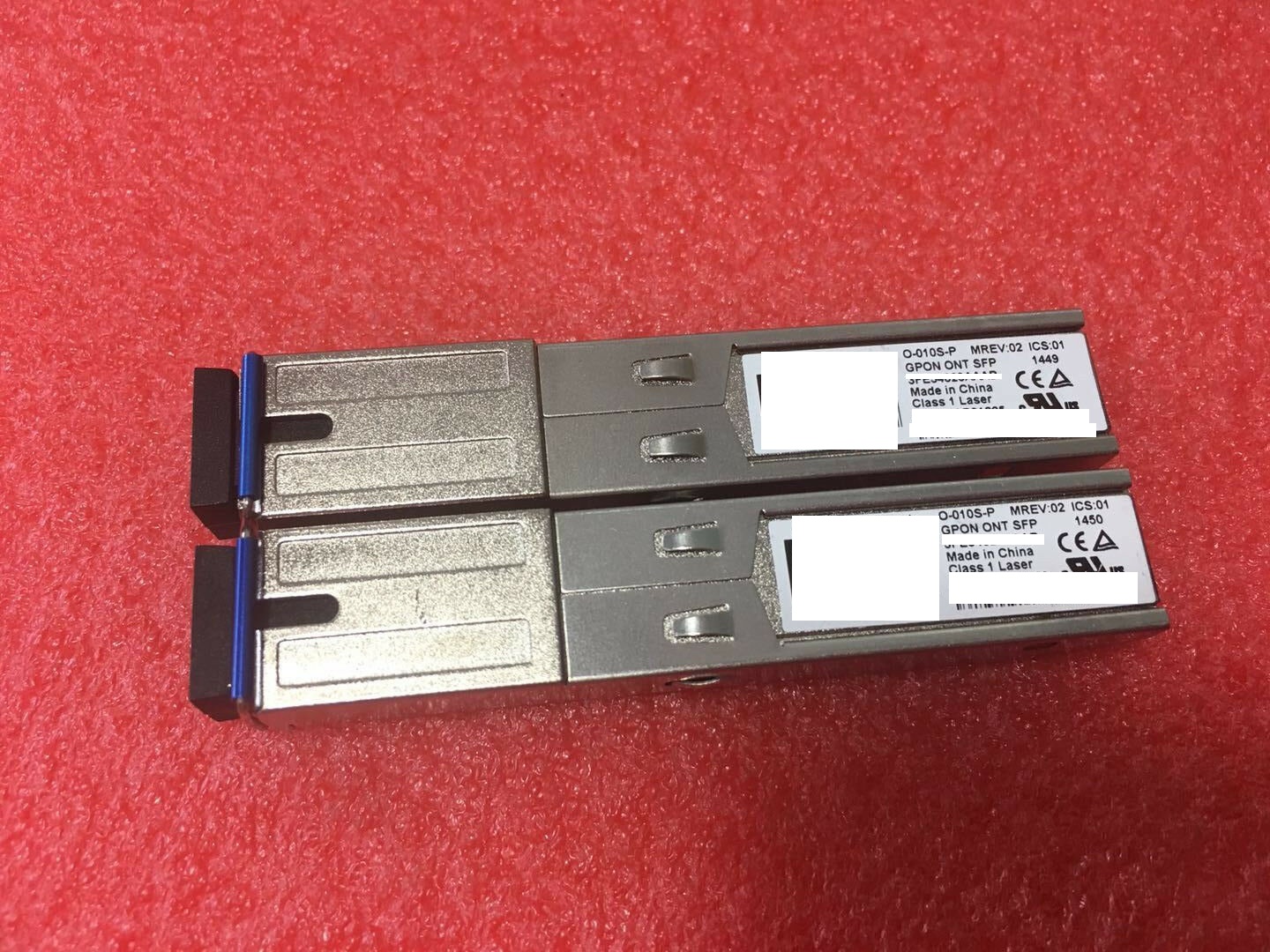
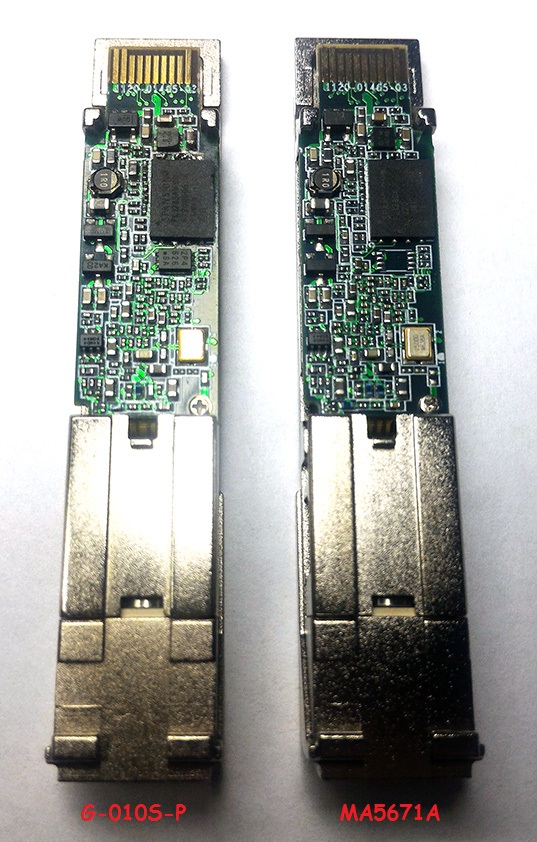
::: warning Warning G-010S-P and other models will not expose an ethernet interface unless the fiber cable is connected ([source](https://forum.mikrotik.com/viewtopic.php?t=116364&start=300)) :::
Firmware is interchangeable with:
- Huawei MA5671A
- FS.com GPON ONU Stick with MAC / SourcePhotonics SPS-34-24T-HP-TDFO
- Hilink HL23446
- Dasan H650SFP
- DpOptics D23446
- Photonics SPS-34-24T-HP-TDFO {.text-red-200} The Nokia G-010S-A can be flashed with the Nokia G-010S-P firmware, provided the MTD layout has been changed beforehand to match the new one. For the full procedure, see the post on lafibre.info
Serial
The stick has a TTL 3.3v UART console (configured as 115200 8-N-1) that can be accessed from the SFP connector.
| USB TTL(UART) Adapter | SFP 20pins Molex connector |
|---|---|
| 3.3V | pin #15 and #16 |
| TX | pin #2 |
| RX | pin #7 |
| GND | pin #14 and #10 |
Note
Try PIN 10 or other GND PINs if the connection doesn't work by using PIN 14.
Note
Some USB TTL adapters label TX and RX pins the other way around: try to swap them if the connection doesn't work.
List of partitions
| dev | size | erasesize | name |
|---|---|---|---|
| mtd0 | 00040000 | 00010000 | "uboot" |
| mtd1 | 00080000 | 00010000 | "uboot_env" |
| mtd2 | 00740000 | 00010000 | "linux" |
| mtd3 | 0061eedc | 00010000 | "rootfs" |
| mtd4 | 00370000 | 00010000 | "rootfs_data" |
| mtd5 | 00800000 | 00010000 | "image1" |
General Settings and Useful Commands
Disabling Dying Gasp
sh
fw_setenv nDyingGaspEnable 0Enabling the Web UI
To activate the web-ui you can use this guide from dslreport forum archived on archive.org.