
Hardware Specifications
| Vendor/Brand | D-LINK |
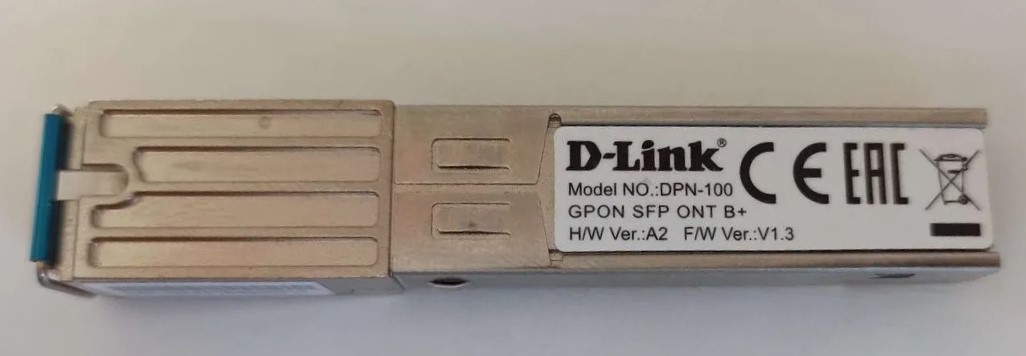
| Model | DPN-100 Rev A2 |
| Chipset | Lantiq PEB98035 |
| ODM | T&W |
| ODM Product Code | TW2362H-CDEL |
| Flash | 8 MB |
| RAM | 64 MB |
| System | |
| HSGMII | |
| Optics | |
| IP address | |
| Web Gui | |
| SSH | |
| Telnet | |
| Serial | |
| Form Factor | miniONT SFP |
Once you access the stick via ssh you will be presented with a second tier login. The credentials to access the dell shell are: username: twmanu , password: twmanu.
Firmware is interchangeable with:
GPON/OMCI settings
Note
All commands start from the twmanu shell.
Setting ONU GPON Serial Number
Note
The S/N is stored in the ASCII format.
sh
manufactory
set sn ALCLf0f0f0f0
exit
hal
set sn ALCLf0f0f0f0
Setting ONU GPON PLOAM password
Note
The PLOAM password is stored in the ASCII format.
This can be done easily via the web UI. If you prefer to do it via the shell use:
sh
manufactory
set password 1234567899
or in hex format without any 0x or separator:
sh
manufactory
set password hex 31323334353637383939
Show ONU GPON info
sh
show info