
Hardware Specifications
| Vendor/Brand | Genexis FiberTwist |
| Model | G2110C-2.5G |
| Chipset | Realtek RTL9601D |
| Flash | 128MB |
| RAM | 32MB |
| System | Linux 3.18 (Luna SDK 3.3) |
| LAN | 2.5GBaseT |
| Optics | SC/APC |
| IP address | 192.168.100.1/24 or 192.168.1.1/24 |
| Web Gui | Can be enabled, locked down by iptables rule and missing CSS |
| SSH | |
| Telnet | ✅ user company, password amyM77yY |
| Serial | ✅ |
| Serial baud | 115200 |
| Serial encoding | 8-N-1 |
| Form Factor | ONT |
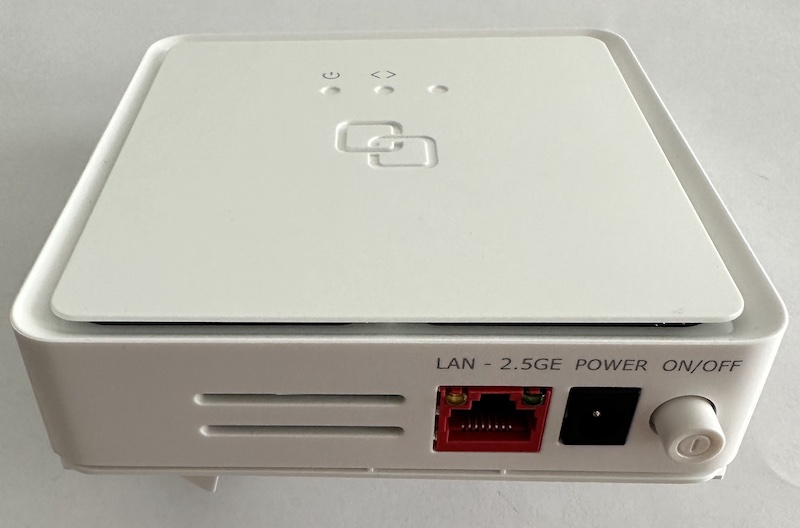
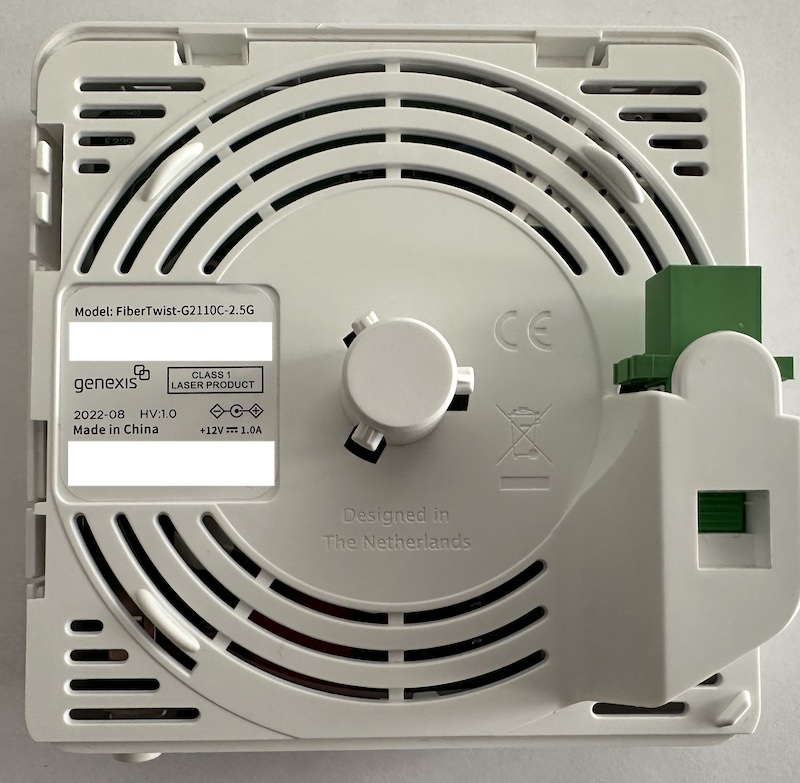
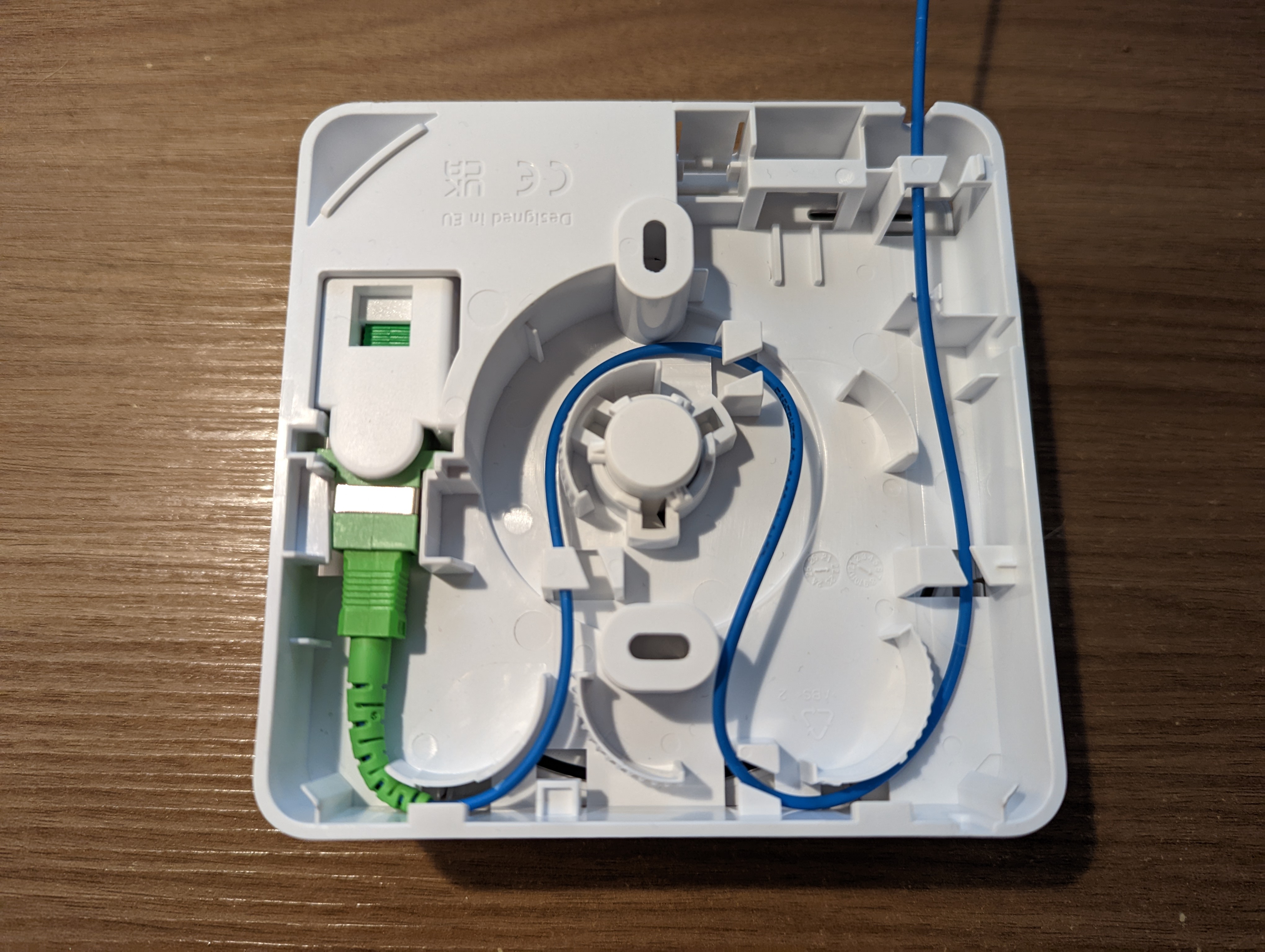
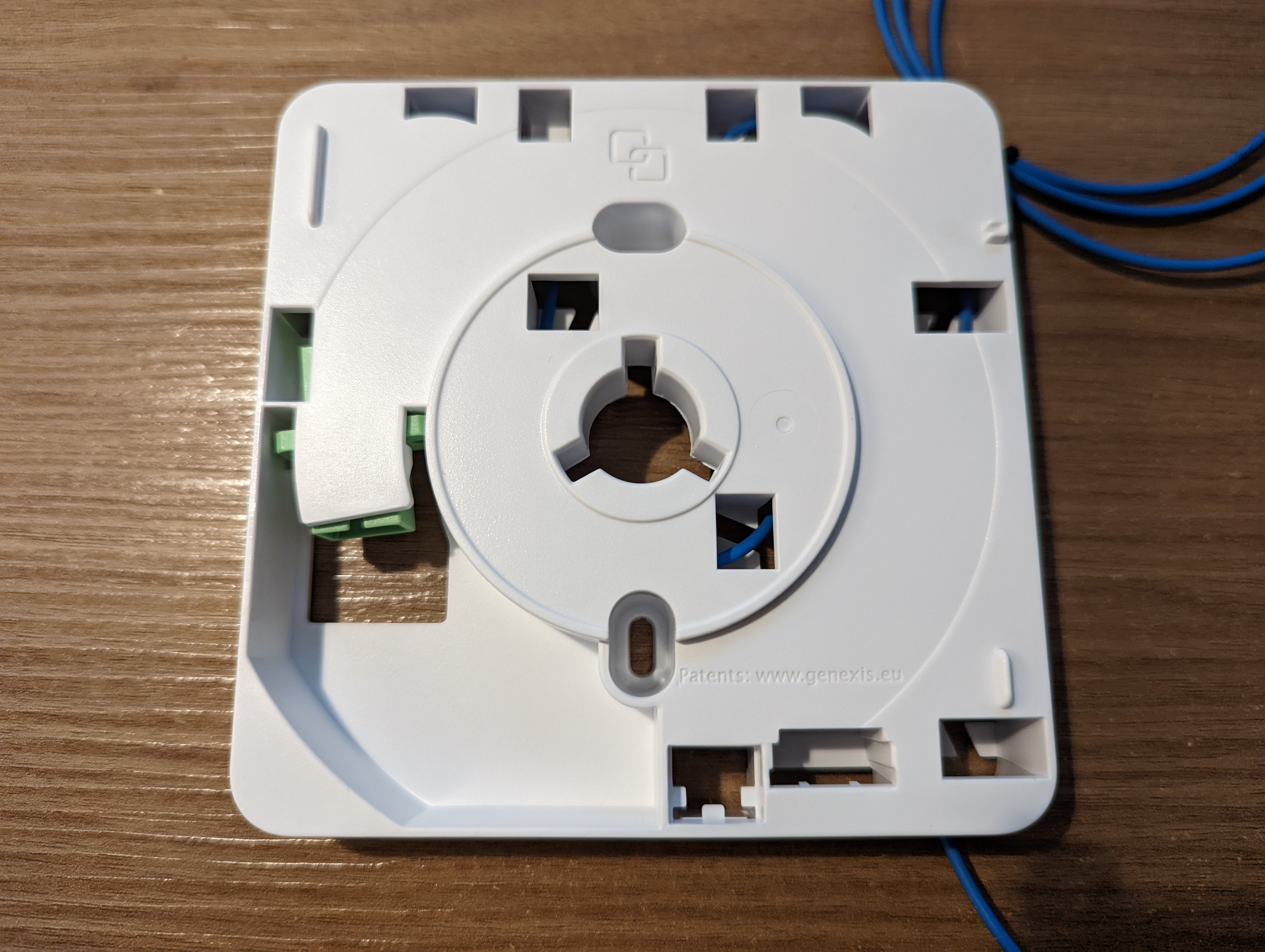
Optical Header installation backplate
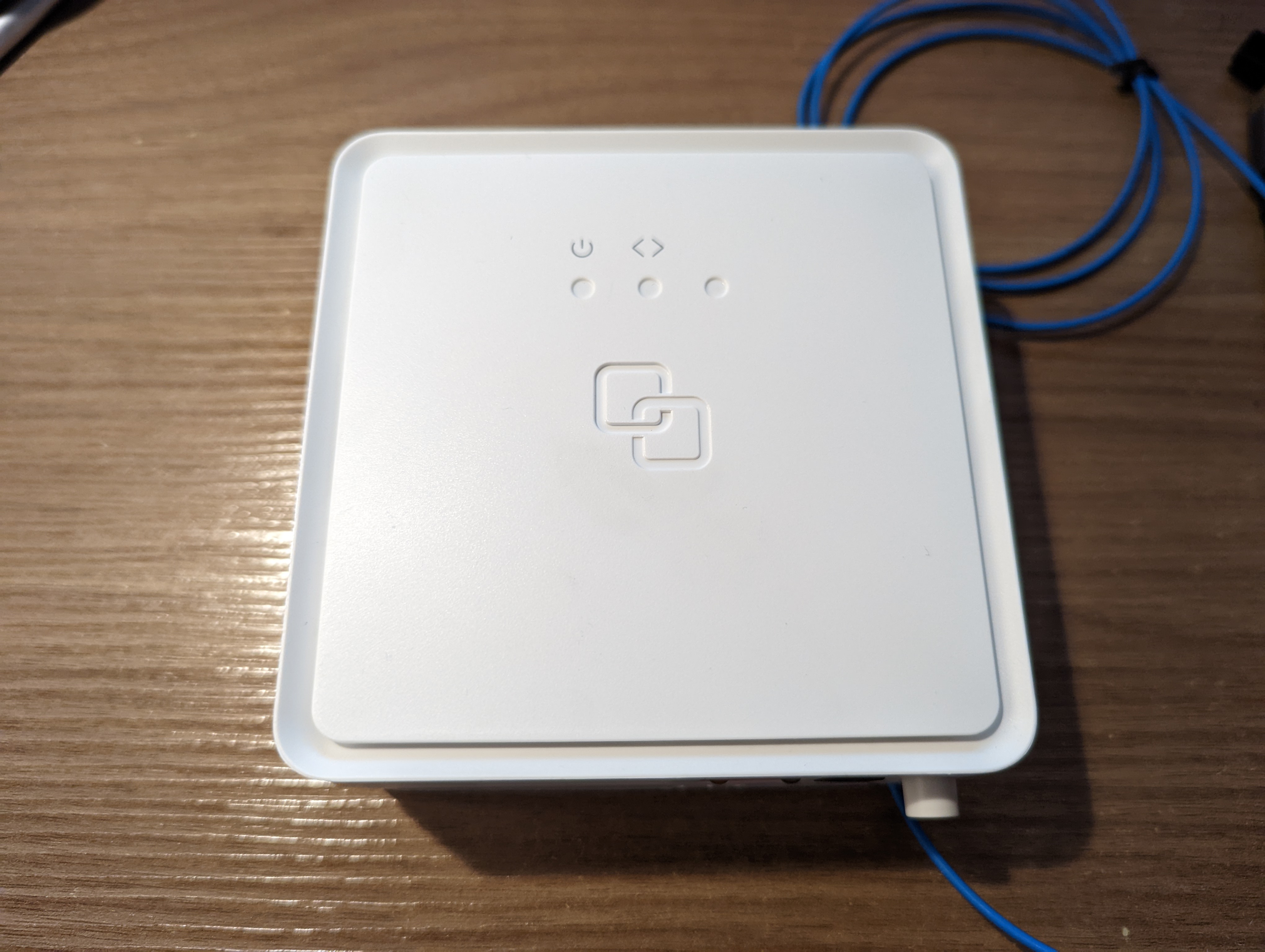
Serial
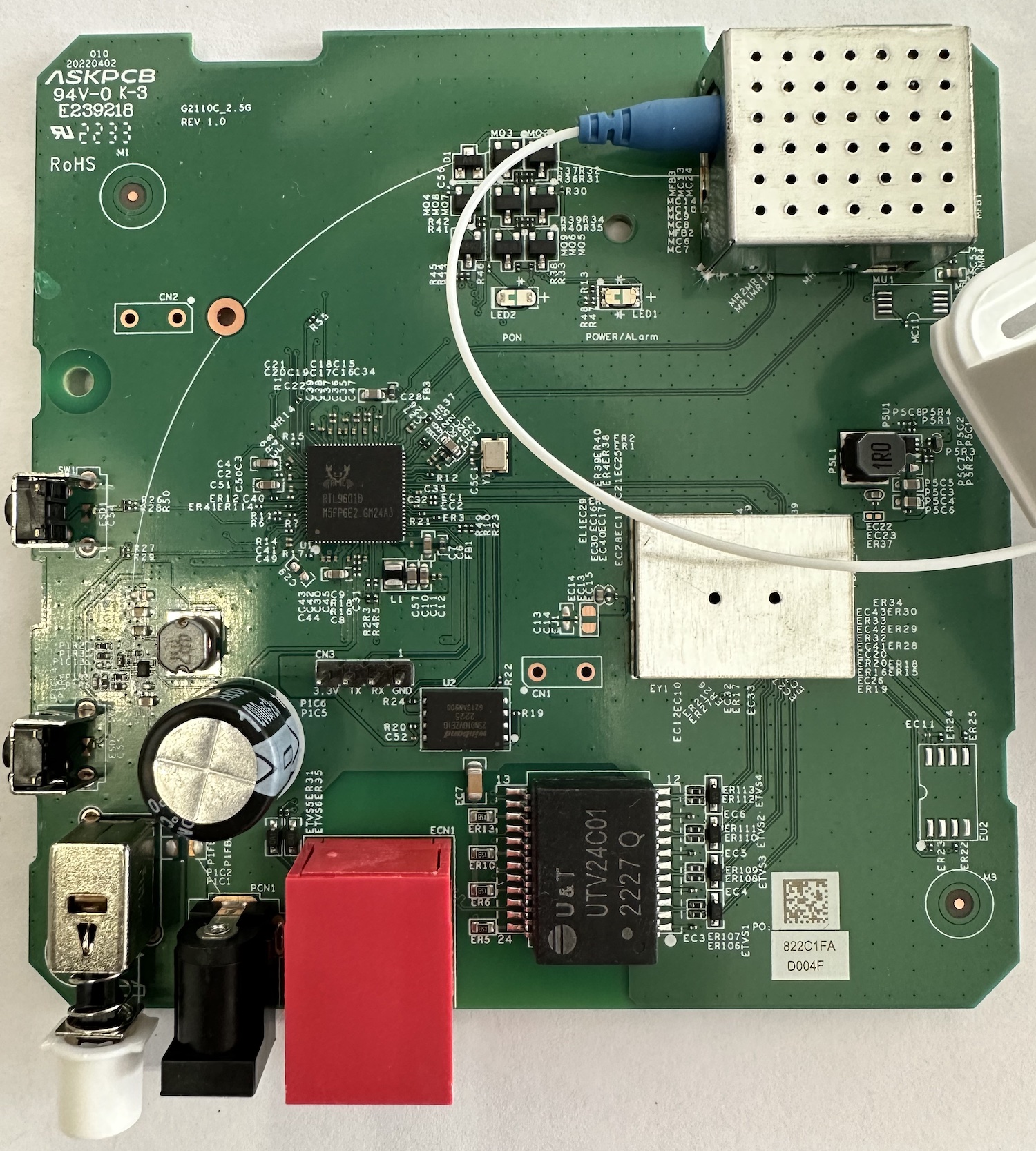
The ONT has a TTL 3.3v UART console (configured as 115200 8-N-1) that can be accessed from the top surface. To accept TX line commands, the GND of the TTL adapter should be attached to the ONT's shield:
Note
Some USB TTL adapters label TX and RX pins the other way around: try swapping them if the connection doesn't work.
List of software versions
- C-5.6.1-R
- C-5.7.0-R
- C-5.7.1-DEV3
- C-5.7.1-EFT1
List of partitions
| dev | size | erasesize | name |
|---|---|---|---|
| mtd0 | 00040000 | 00001000 | "boot" |
| mtd1 | 00002000 | 00001000 | "env" |
| mtd2 | 00002000 | 00001000 | "env2" |
| mtd3 | 0003c000 | 00001000 | "config" |
| mtd4 | 00300000 | 00001000 | "k0" |
| mtd5 | 004c0000 | 00001000 | "r0" |
| mtd6 | 00300000 | 00001000 | "k1" |
| mtd7 | 004c0000 | 00001000 | "r1" |
| mtd8 | 00001000 | 00001000 | "Partition_008" |
| mtd9 | 00001000 | 00001000 | "Partition_009" |
| mtd10 | 00001000 | 00001000 | "Partition_010" |
| mtd11 | 00001000 | 00001000 | "Partition_011" |
| mtd12 | 00300000 | 00001000 | "linux" |
| mtd13 | 004c0000 | 00001000 | "rootfs" |
This ONT supports dual boot.
k0 and r0 respectively contain the kernel and firmware of the first image, k1 and r1 the kernel and the firmware of the second one
GPON/OMCI settings
Info
Some variables are write-protected, you need to unlock them before proceeding
Use the following command to unlock write-protected variables:
# nv setenv ProtectEnv 0Getting/Setting ONU GPON Serial Number
Info
If your serial number has letters after the Vendor ID (e.g. ZTEGAAA01234), put them in lower case (e.g. ZTEGaaa01234)
# nv setenv GponSn ZTEGaaa01234Reboot the ONT to apply any changes
You can check if the serial number was correctly changed using the following command:
# diag gpon get serialnumber
ZTEGaaa01234
Getting/Setting ONU GPON PLOAM password
Info
The PLOAM password is stored in ASCII format
# /etc/scripts/flash get GPON_PLOAM_PASSWD
GPON_PLOAM_PASSWD=AAAAAAAAAA
# /etc/scripts/flash set GPON_PLOAM_PASSWD AAAAAAAAAA
It seems Genexis has also included a U-Boot variable to store the PLOAM. On currently known firmwares (5.6.1 and 5.7.0) it is not read by the omci_app daemon. For future-proofing reasons, set your PLOAM also on the before-mentioned U-Boot env using the following command in the OS shell:
# nv setenv ploampwd 1234567890
ploampwd=1234567890
Setting OMCI software version (ME 7)
The stock firware does not allow changing of the primary and standby software version. As the ONT uses the Luna SDK, the /etc/scripts/flash shell script can be easily modified by creating a custom firmware with the same set of patches suggested e.g. for the Technicolor AFM0002 ONT.
You can then check if the software version was changed correctly with this command (take a look at the Version field):
# omcicli mib get 7
XXXXXXXXXXXXXXXXXXXXXXXXXXXXXXXXX
SWImage
XXXXXXXXXXXXXXXXXXXXXXXXXXXXXXXXX
=================================
EntityID: 0x00
Active: 0
Committed: 0
Valid: 1
*Version: V6.0.10N14*
ProductCode:
ImageHash: 0x00000000000000000000000000000000
=================================
=================================
EntityID: 0x01
Active: 1
Committed: 1
Valid: 1
*Version: V6.0.10N14*
ProductCode:
ImageHash: 0x00000000000000000000000000000000
=================================
Setting OMCI hardware version (ME 256)
# nv setenv HV G2110CE2V1D0Reboot the ONT to apply the change
Setting OMCI equipment ID (ME 257)
# nv setenv ProdName FT-G2110C-2.5GReboot the ONT to apply the change
Advanced settings
Setting management IP
# /etc/scripts/flash get LAN_IP_ADDR
LAN_IP_ADDR=192.168.1.1
# /etc/scripts/flash set LAN_IP_ADDR 192.168.1.1
Known Bugs
- The web UI can be enabled by modding the firmware, but the daemon will crash if no optical signal is received